Collection: Top Choices – Yale & August Smart Locks

Yale Smart Locks — Top Picks for Pros (Fast Quotes)

This page is built for dealers, contractors, integrators, renovators, electricians, locksmiths, and builders: pick the right lock by job type, then confirm the model number.

Back to Main Yale Hub
  • Quote faster: choose a use-case first, SKU second
  • Reduce mis-orders: match door + connectivity + keyway
  • Installer friendly: integrator defaults up top (Z-Wave first)

Pick by job type

Use these shortlists to guide the customer conversation. Each card tells you why the lock fits and which model numbers are most commonly quoted.

Integrator default

Z-Wave installs (hubs / security platforms)

Quote this when the job needs reliable hub integration (automation + managed access) and you want a cleaner pro workflow. Prioritize ZW3 when available.

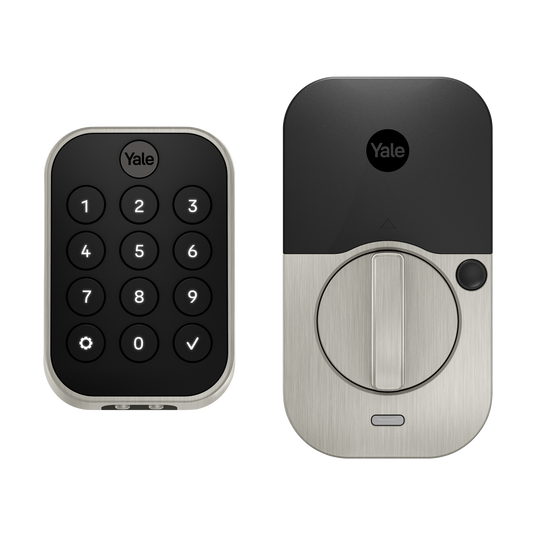
  • YRD634-ZW3 — Pro 2 keypad, key-free (fast rollout)
  • YRD624-ZW3 — Pro 2 touchscreen, keyed (key backup + integration)
  • YRD654-ZW3 — Pro 2 touchscreen, key-free (clean pro deployments)
No hub required

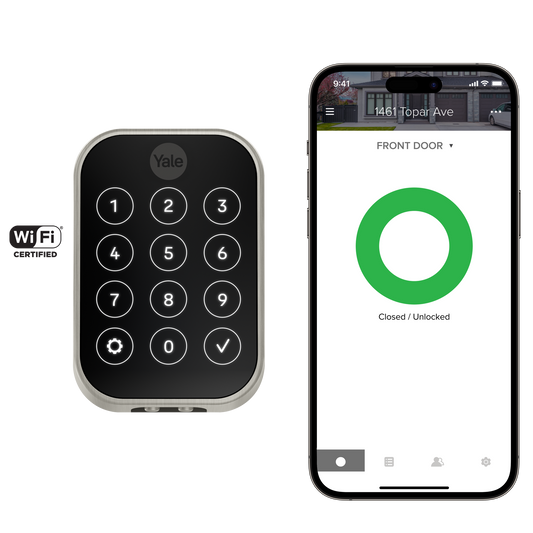
Remote access without a hub (Wi-Fi)

Quote this when the customer wants remote access with the least ecosystem complexity. Best for smaller projects and straightforward installs.

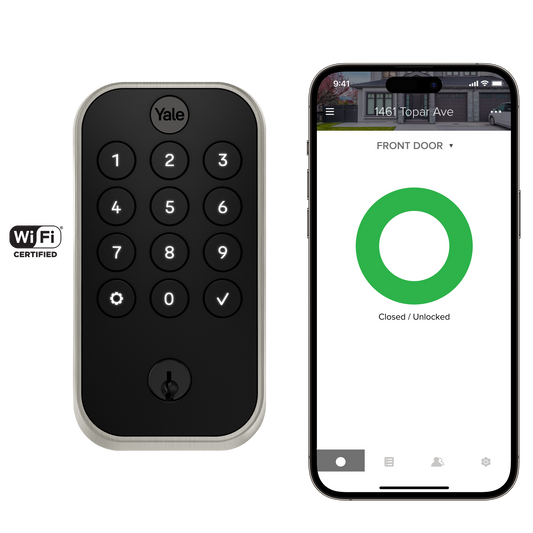
  • YRD614-WF1 — Pro 2 keypad, keyed (pro install default)
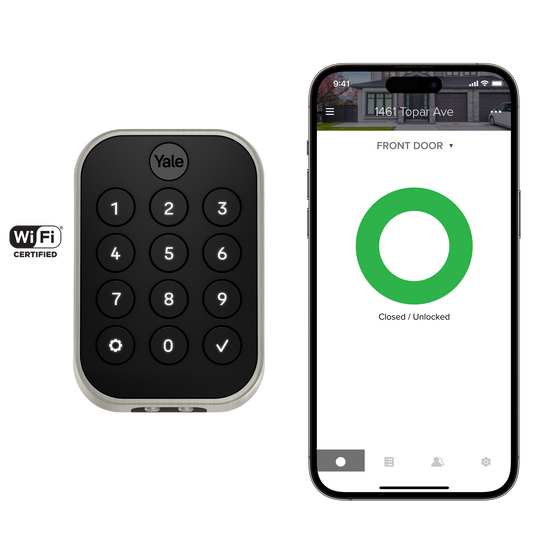
  • YRD634-WF1 — Pro 2 keypad, key-free (clean look)
  • YRD624-WF1 — Pro 2 touchscreen, keyed (aesthetic + backup)
Reno safe default

Renos / builders (keypad “can’t-go-wrong”)

Quote these when you want a simple handoff and low future support. Keypad is usually easier day-to-day than touch for many environments.

  • YRD410-WF1 — Assure Lock 2 keypad, keyed (safe spec default)
  • YRD430-WF1 — Assure Lock 2 keypad, key-free (clean look)
  • YRD410-BT1 — Assure Lock 2 keypad, keyed (Bluetooth value installs)
Feature-led upsell

Fingerprint / “premium convenience” requests

Quote these when the customer wants a premium access method (fewer PIN shares) or a higher-end feature set to justify a higher spec.

  • YRD410-F-WF1 — Assure Lock 2 keypad + fingerprint, keyed
  • YRD420-F-WF1 — Assure Lock 2 touch + fingerprint, keyed
  • YRD450-WF1 — Assure Lock 2 touchscreen, key-free (modern aesthetic)
Lever installs

Lever doors (condo suites / interior levers)

Quote these when the job calls for a lever form factor (not a standard deadbolt). Confirm door prep and handing.

  • YRL216-ZW2 — Lever keypad, Z-Wave (integration jobs)
  • YRL226-ZW3 — Lever keypad, Z-Wave (newer Z-Wave variant)
  • YRL216-NR — Lever (no radio) for offline keypad deployments
Retrofit / rentals

Rentals & quick retrofits (minimal disruption)

Quote this when you want the fastest turnaround with the least exterior hardware change. Best when the customer is sensitive to drilling/door changes.

  • ASL-05 — August retrofit (uses existing key/hardware)
  • YRD430-BT1 — Assure Lock 2 keypad, key-free (simple rental workflow)
  • YRD634-WF1 — Pro 2 keypad Wi-Fi (remote access without hub)
Model numbers (fast reference for quoting)

Use this as a quick reference when a customer asks “which exact model?”. If you’re integrating with hubs/security platforms, prioritize ZW3 variants where available.

Integrator defaults (Z-Wave)

  • YRD634-ZW3 (Pro 2 keypad, key-free)
  • YRD624-ZW3 (Pro 2 touchscreen, keyed)
  • YRD654-ZW3 (Pro 2 touchscreen, key-free)
  • YRD614-ZW2 / YRD624-ZW2 (legacy Z-Wave)

No-hub remote (Wi-Fi)

  • YRD614-WF1 (Pro 2 keypad, keyed)
  • YRD634-WF1 (Pro 2 keypad, key-free)
  • YRD624-WF1 (Pro 2 touchscreen, keyed)
  • YRD410-WF1 / YRD430-WF1 (Assure Lock 2 keypad)

Reno safe defaults (Assure Lock 2)

  • YRD410-WF1 (keypad, keyed)
  • YRD430-WF1 (keypad, key-free)
  • YRD410-BT1 (keypad, keyed, Bluetooth)
  • YRD430-BT1 (keypad, key-free, Bluetooth)

Feature-led

  • YRD410-F-WF1 (keypad + fingerprint)
  • YRD420-F-WF1 (touch + fingerprint)
  • YRD450-WF1 (touchscreen, key-free)
  • R-AYR-MOD-MT1 (Matter module)

Need the full SKU table? Use the main Yale hub SKU breakdown drawer: Yale Smart Locks hub.

What to confirm before ordering (prevents mis-orders)
  • Door type: standard deadbolt vs lever vs specialty door
  • Connectivity: Wi-Fi (remote) vs Bluetooth (nearby) vs Z-Wave (hub/integration)
  • Keyway: keyed cylinder vs fully key-free
  • Entry style: keypad vs touchscreen vs fingerprint (where applicable)