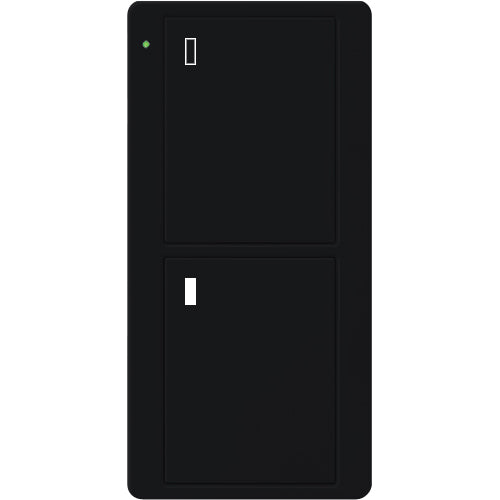
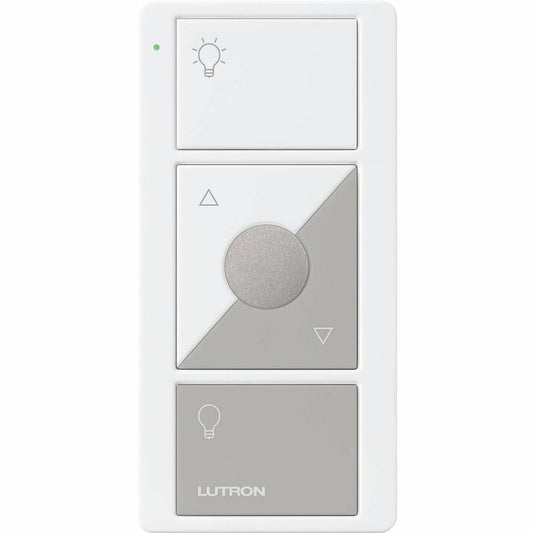
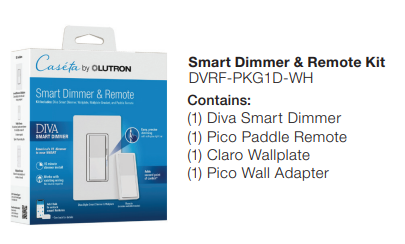
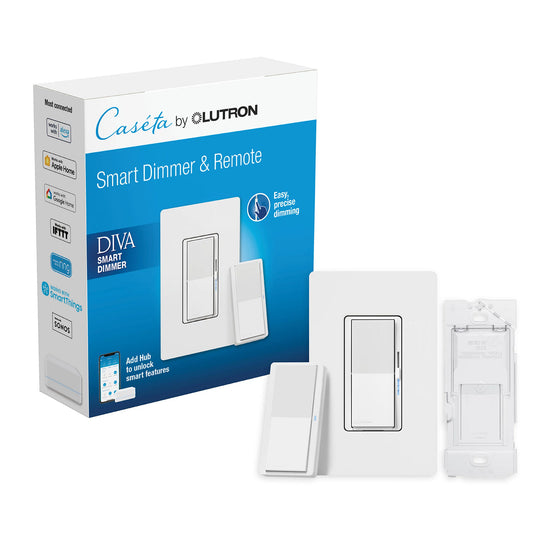
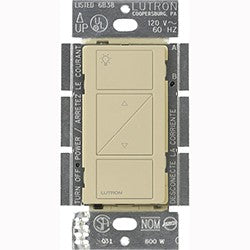
Source Lutron Pico wireless remotes, scene keypads, shade controls, audio controls, wall-mount kits, tabletop pedestals, car clips, and mounting accessories through Simply Controlled for professional lighting-control, retrofit, service, shade, audio, Caséta, RadioRA 3, RadioRA 2, HomeWorks, Vive, and system-expansion projects.
Pico controls give Canadian dealers a flexible way to add control points without cutting new wall openings, pulling additional wire, or relying on a full hardwired keypad location. Use this collection when a project needs a handheld remote, wall-mounted wireless control, tabletop control, bedside control, shade control, audio control, scene keypad, or accessory mounting solution.
Lutron Pico remotes for flexible wireless control
Pico remotes are useful wherever the client needs convenient control in a location that does not already have the right wiring. Dealers can mount a Pico on a wall, place it on a tabletop pedestal, use it as a handheld remote, or integrate it into a project-specific control strategy depending on the Lutron system and device compatibility.
-
Lighting remotes: add wireless control for compatible Lutron dimmers, switches, lamp controls, and lighting zones.
-
Scene keypads: use 4-button Pico models for room scenes, zone control, multi-group control, and preset operation.
-
Shade controls: source Pico controls with open, close, raise, lower, and shade-specific icon options for Lutron window treatment projects.
-
Audio controls: add simple wireless control points for compatible audio-control applications where supported by the Lutron system design.
-
Pico paddle remotes: use paddle-style Pico controls where the client prefers a familiar switch-like interface.
-
Mounting accessories: complete the installation with wall-mount brackets, pedestals, car clips, adapters, and related Pico hardware.
Why dealers use Pico controls
Pico remotes are one of the most useful problem-solvers in a Lutron dealer’s toolkit. They can create a new point of control in finished spaces, support retrofit 3-way-style layouts, provide bedside or tabletop control, simplify shade operation, and help dealers avoid unnecessary drywall, conduit, or wiring work where a wireless control point is the better solution.
-
Retrofit-friendly control: add control locations without opening walls or pulling new wire.
-
Multi-location flexibility: create secondary control points for halls, stairways, kitchens, great rooms, bedrooms, and finished spaces.
-
Scene and zone control: support room-level lighting scenes, group control, shade scenes, and everyday client presets.
-
Dealer truck-stock value: keep common Pico remotes, wall brackets, and pedestals available for service calls and project changes.
-
Finish and icon coordination: choose the correct button layout, engraving/icon set, colour, and mounting style for the room.
-
System expansion: add practical control points to compatible Caséta, RadioRA, HomeWorks, Vive, shade, and audio applications.
Common applications
-
Retrofit 3-way-style control: add a wireless control point where a hardwired companion device is not practical.
-
Bedside and tabletop control: give clients convenient access to lights, shades, or scenes from a nightstand, desk, counter, or side table.
-
Shade projects: provide dedicated control for roller shades, honeycomb shades, drapery, skylight shades, or grouped window treatments.
-
Media rooms and theatres: add scene-style control for lighting, shades, and supported audio functions.
-
Kitchens and open-concept spaces: create extra control points for high-traffic areas without adding new wiring.
-
Service and system expansion: add remotes, replace missing controls, or expand an existing Lutron system with compatible Pico accessories.
Dealer ordering notes
Before ordering, confirm the Lutron system family, controlled device type, button layout, raise/lower requirement, scene requirement, shade or audio icon requirement, finish, engraving requirement, mounting method, and whether the Pico will be handheld, wall-mounted, tabletop-mounted, car-mounted, or used with another accessory.
Similar-looking Pico remotes can differ by button count, icon set, engraving, system compatibility, intended function, colour, and mounting accessory requirements. Always verify whether the project needs a 2-button, 3-button, 4-button, paddle, shade, audio, scene, line-powered, or specialty Pico model before building the job cart.
For Caséta projects, confirm whether the Pico will pair directly to a dimmer or switch, control multiple devices, or operate as part of a Smart Hub-supported system. For RadioRA, HomeWorks, Vive, shade, and commercial applications, confirm programming requirements, device limits, RF placement, and system compatibility before installation.
Simply Controlled supports Canadian B2B dealers sourcing Lutron Pico remotes, scene keypads, shade controls, audio controls, mounting brackets, pedestals, adapters, and project accessories. Dealer account holders can log in to view pricing, build job carts, and source Pico controls for professional installation and service work.
Need help matching the right Pico remote? Contact the Simply Controlled team with the system family, controlled load or shade type, required button layout, icon/engraving needs, mounting method, finish, and project application, and we can help point you toward the correct ordering path.