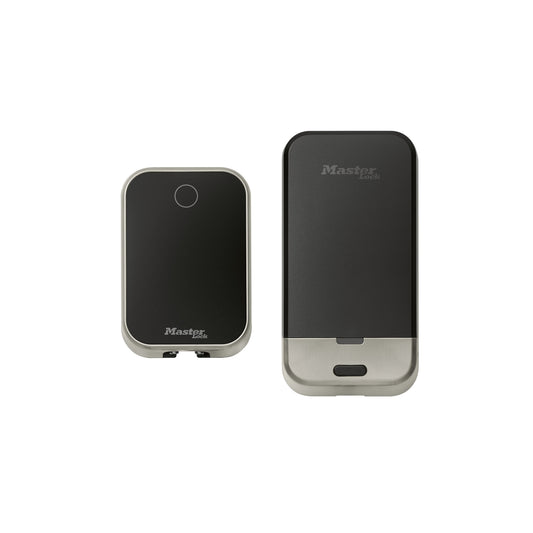
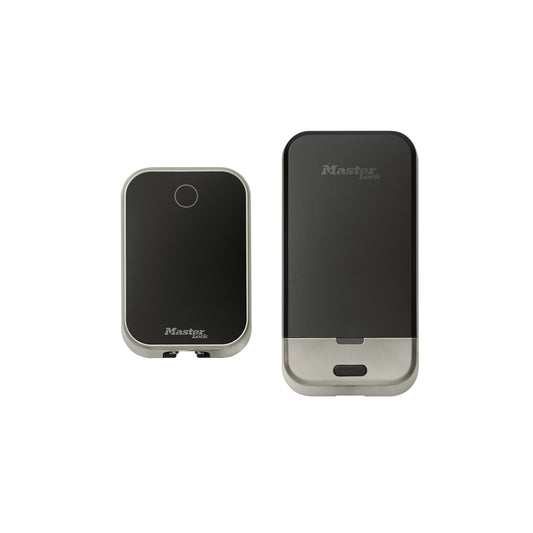
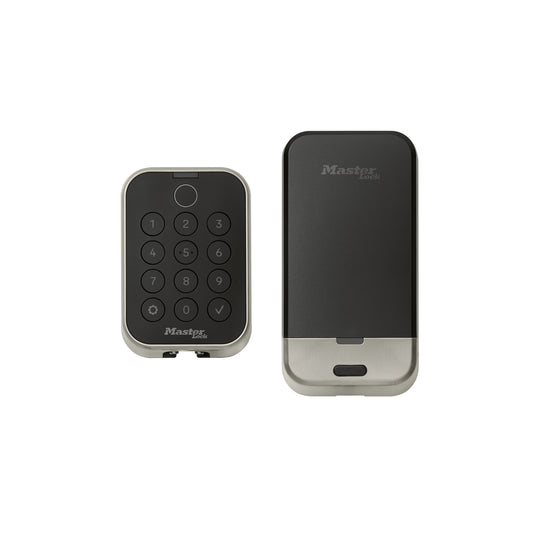
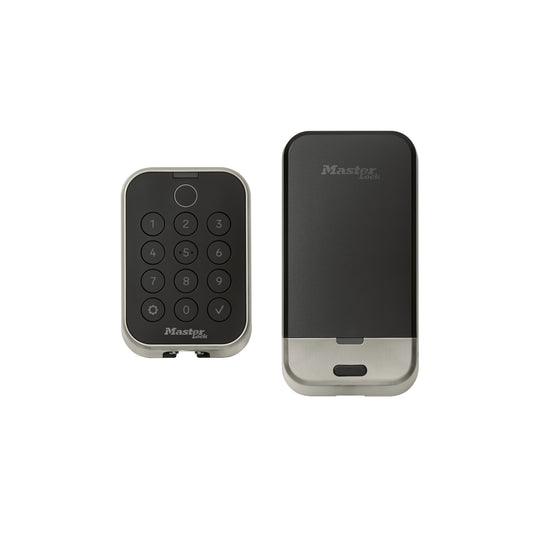
Push-button or touchscreen?
Choose push-button for tactile feedback and straightforward operation. Choose touchscreen for a cleaner, more contemporary interface.

As Canada’s go-to source for professional **Installation Essentials**, Simply Controlled helps professional...
Lighting
Specification GradeTangra by LotusHigh-CRI specification lighting for design-sensitive projects.Explore Tangra → View all Lighting →Networking & Infrastructure
View all Networking & Infrastructure →Outdoor Heating
Building Protection & Specialty
Lighting & Control
Audio
Security & Access
Networking & Infrastructure
Building & Climate
Have a BOM, SKU list, or project requirements? Start here.
Commercial electronic mortise locks
The MCM614, MCM624, MCM634 and MCM644 families share a professional commercial mortise platform, but differ in the two decisions buyers notice most: push-button versus touchscreen and keyed override versus key-free operation. Use this guide to select the correct family before choosing connectivity and deadbolt options.
Selecting the correct MCM lock is straightforward when the requirements are resolved in this order.
Choose push-button for tactile feedback and straightforward operation. Choose touchscreen for a cleaner, more contemporary interface.
Keyed models retain a mechanical override path. Key-free models remove the exterior key cylinder for a cleaner appearance and tighter credential control.
Stand-alone models are programmed and managed locally. Z-Wave Plus models are intended for integration with a compatible partner platform; confirm system compatibility before ordering.
Select the deadbolt configuration when the opening and project specification require an additional 1-inch deadbolt. Confirm door preparation before purchase.
Start with the interface and override architecture below. Connectivity and deadbolt choices are selected within the individual product family.
A tactile push-button interface combined with a mechanical key-override provision.
Best for: commercial openings that prioritize tactile operation while retaining an emergency or facilities key path.
Shop MCM614A modern touchscreen interface with a mechanical key-override provision.
Best for: projects that want a premium touchscreen experience without eliminating the facilities key path.
Shop MCM624A tactile push-button interface without an exterior mechanical key override.
Best for: credential-controlled openings where buyers want tactile buttons and no exterior key cylinder.
Shop MCM634A clean touchscreen interface without an exterior mechanical key override.
Best for: modern credential-controlled projects seeking the cleanest exterior appearance in the MCM lineup.
Shop MCM644Use this table when the project team needs a fast family-level comparison.
| Decision | MCM614 | MCM624 | MCM634 | MCM644 |
|---|---|---|---|---|
| User interface | Push-button keypad | Touchscreen keypad | Push-button keypad | Touchscreen keypad |
| Mechanical key override | Yes | Yes | No | No |
| Best match | Tactile controls plus key override | Touchscreen plus key override | Tactile controls with a key-free exterior | Touchscreen with a key-free exterior |
| Configuration choices | Stand-alone or Z-Wave Plus; with or without deadbolt | Stand-alone or Z-Wave Plus; with or without deadbolt | Stand-alone or Z-Wave Plus; with or without deadbolt | Stand-alone or Z-Wave Plus; with or without deadbolt |
| View family | View MCM614 | View MCM624 | View MCM634 | View MCM644 |
Select the keypad and override architecture first, then choose the stand-alone or Z-Wave Plus and deadbolt configuration on the product page.